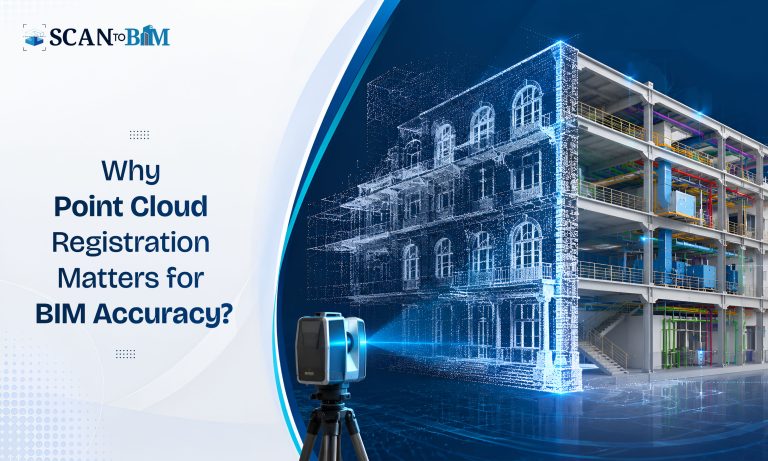

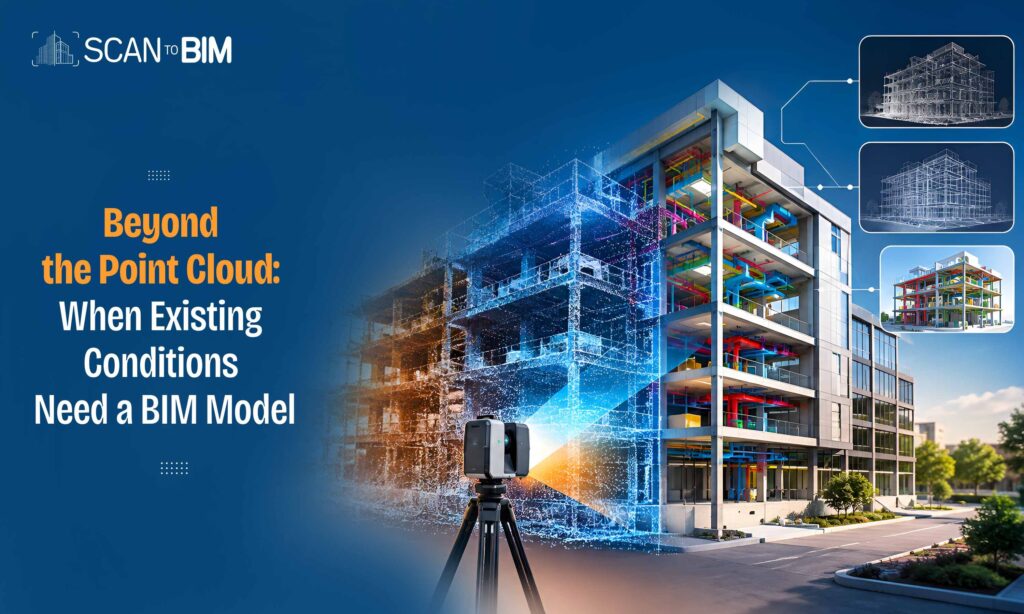
A point cloud and a BIM model are often discussed as if they are similar. They are not.
A point cloud is a highly detailed digital representation of an existing physical environment. A BIM model, by contrast, organizes building elements into a structured digital environment that can carry geometry, relationships, properties, and project information. The right choice depends less on the technology itself and more on what you need to do with the data after the survey.
Autodesk describes point clouds as highly accurate references for existing building conditions and BIM as a continually updated digital model that can contain information about individual building elements.
So, when is a point cloud enough—and when does it make sense to turn that information into BIM?
What Does a Point Cloud Actually Give You?
A point cloud is essentially a dense collection of spatial measurements representing surfaces captured during laser scanning or other reality-capture processes. Modern scanners can collect extremely large volumes of points; Autodesk notes that some systems can capture up to two million points per second.
This makes point clouds highly valuable for documenting existing conditions.
A point cloud can help teams:
- Verify existing dimensions
- Understand spatial relationships
- Check deviations from drawings or design intent
- Document complex or irregular geometry
- Support renovation and retrofit surveys
- Provide a reliable reference for modeling and design
If the primary requirement is visualization, measurement, verification, or archival documentation, a point cloud may be all that is necessary.
For example, a contractor assessing whether existing walls align with old drawings may not need a fully modeled building. The registered point cloud can provide the geometric evidence needed for that assessment.
When Is a Point Cloud Enough?
A point cloud is often sufficient when the project requires geometry rather than structured building information.
Consider a facility owner planning an initial renovation study. The immediate questions might be:
Where are the existing walls? What are the ceiling heights? How much space is available? Are existing conditions different from the original drawings?
A point cloud can answer many of these questions without the additional time and cost of developing a BIM model.
It can also be useful during construction verification. Teams can compare the scanned condition against drawings or models to identify discrepancies.
However, there is an important limitation: a point cloud shows what exists, but it does not inherently understand what each object is. A collection of points may represent a wall, but it does not automatically provide the wall as a structured BIM element with parameters, material information, relationships, or associated documentation.
That distinction becomes important as project requirements become more complex.
When Do You Need a BIM Model?
A BIM model becomes more valuable when the project moves from observing the building to designing, coordinating, managing, or modifying it.
For example, consider a commercial building undergoing renovation. The project team may need:
- Parametric walls, doors, windows, floors, and ceilings
- Architectural plans, elevations, and sections
- MEP coordination
- Clash detection
- Design options
- Quantity information
- Construction documentation
- Future modification workflows
A point cloud can provide the underlying reality, but the BIM model transforms that reality into a structured working environment.
Autodesk specifically describes scan-to-BIM as the process of translating point-cloud data into a building or site model that design and construction teams can use.
Point Cloud vs. BIM: The Practical Difference
The difference can be understood in simple terms:
Point cloud = evidence of existing conditions.
BIM model = structured information derived from those conditions.
A point cloud is particularly strong at preserving the captured geometry. BIM adds intelligence and usability.
For instance, a point cloud can show the location of a wall. A BIM model can represent that wall as an architectural element with dimensions, level association, material parameters and relationships to other building components.
This becomes especially important when the model will be used beyond initial documentation.
Renovation Is Where the Difference Becomes Clear
Existing-building projects are often where the transition from point cloud to BIM provides the greatest practical value.
Old drawings may be incomplete, outdated, or inconsistent with current conditions. A scan establishes a more reliable geometric reference. Autodesk notes that point clouds can be used as the starting point for authoring existing-condition and as-built Revit models, particularly for remodeling and retrofit projects.
Once converted into BIM, the information can support architectural redesign, MEP coordination, structural analysis, documentation, and construction planning.
For architectural renovation projects where drawings must be repeatedly generated or updated, developing a structured model can also reduce repetitive drafting. Autodesk University documents workflows where architectural drawings are extracted from a BIM model developed from point-cloud data.
What About Scan-to-BIM?
The decision does not necessarily have to be point cloud OR BIM.
In many projects, the more effective workflow is:
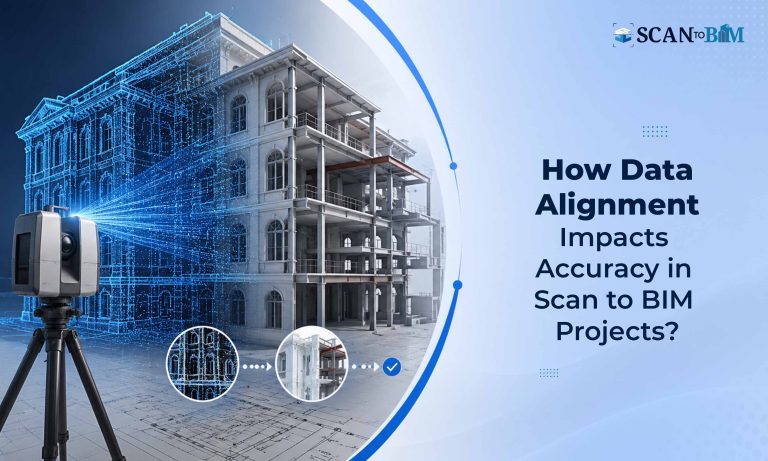
Scan → Register → Clean → Validate → Point Cloud → BIM Model → Drawings/Coordination
The point cloud remains the source of truth for existing geometry, while the BIM model becomes the working representation of that information.
This is the foundation of Point Cloud to BIM Services, where scanned reality is converted into structured building elements according to the project’s required level of detail, accuracy, and deliverables.
The key is defining the required output before modeling begins. Autodesk University emphasizes establishing scope, accuracy requirements, LOD, risks, and quality-control procedures as part of scan-to-BIM planning.
A Simple Decision Framework
Ask five questions before deciding:
- Do you only need existing-condition verification?
A point cloud may be sufficient. - Will architects modify the existing building?
A BIM model is likely more useful. - Will multiple disciplines coordinate around the existing conditions?
BIM can provide a structured coordination environment. - Will you need drawings, schedules, quantities, or design iterations?
A BIM model generally provides greater utility. - Will the information be used throughout renovation, construction, or facility management?
The additional structure of BIM can justify the modeling effort.
For projects focused specifically on architectural renovation and documentation, Scan to Architectural BIM Services can bridge the gap between raw reality-capture data and a usable design environment.
The Bottom Line
A point cloud should not automatically be converted into BIM simply because BIM is available. If the project only requires accurate spatial documentation, measurement, or condition verification, the point cloud may be the right deliverable.
But when the information needs to become editable, coordinated, data-rich, and reusable, a BIM model becomes much more valuable.
The better question is therefore not “Do we need BIM?” but:
“What decisions will this captured information need to support?”
If the answer involves design, coordination, documentation, construction, or long-term asset use, the path from point cloud to structured BIM is often the logical next step. BuildingSMART’s Information Delivery Specification also reflects the broader move toward clearly defined, machine-interpretable information requirements in BIM workflows.
In short, a point cloud preserves reality; BIM makes that reality actionable.